Skip to content

IPTV Compatible Devices

Watch on your favorite devices

IPTV4KVip works on compatible devices across major platforms, including smart TVs, streaming devices, phones, tablets and computers, when they run a player that accepts Xtream Codes, M3U or MAG.

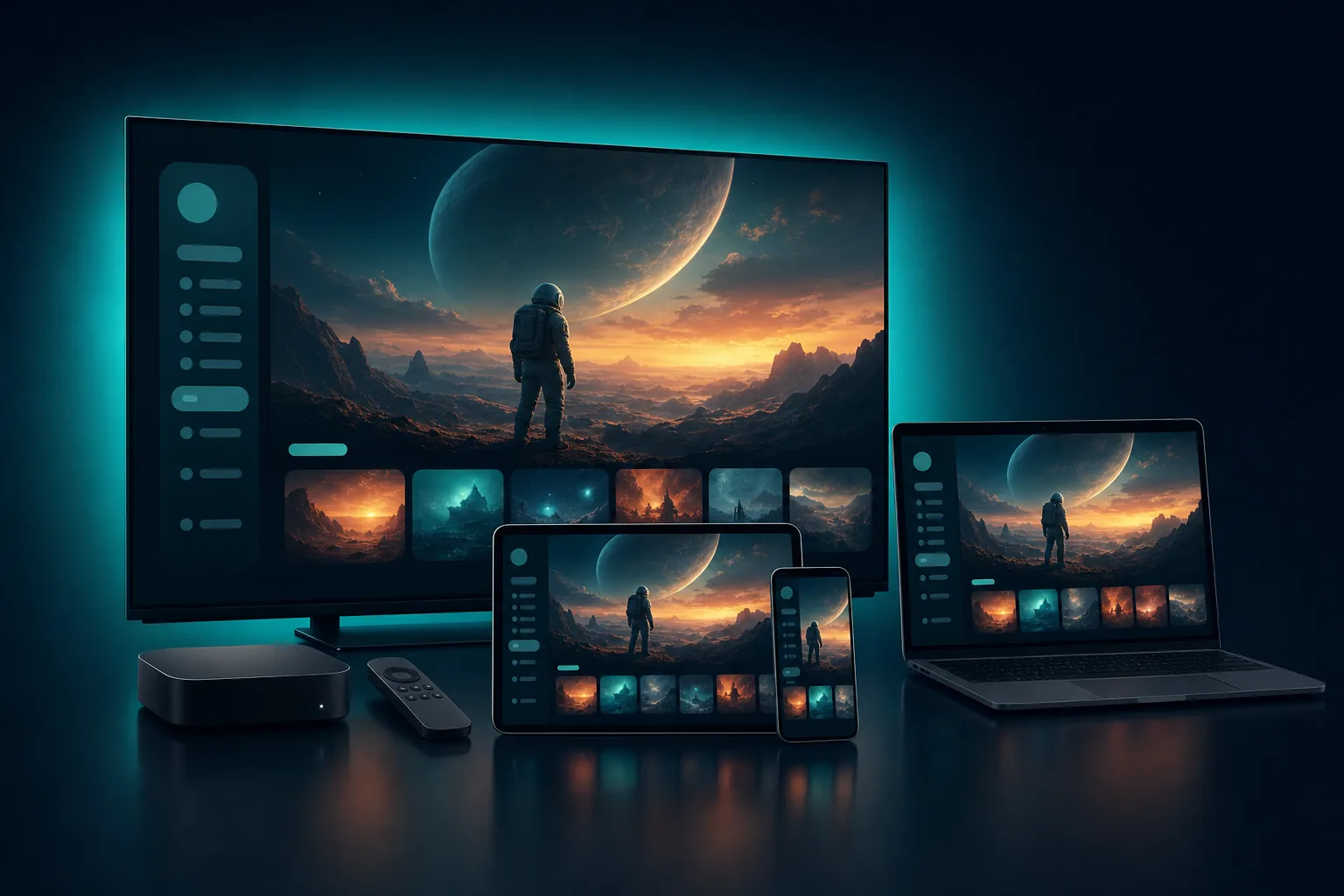
A TV, laptop, tablet, phone and streaming box showing the same streaming app

Find Your Device

Use IPTV4KVip on compatible devices across major platforms. Choose your device below for a direct answer and what to check.

Smart TV displaying a mountain landscape

Samsung & LG Smart TVs

Works when your TV can run a player that accepts Xtream Codes or M3U. Check your TV’s app store, since apps vary by model year.

Green Android robot representing Android TV and Google TV

Android TV & Google TV

Works with a compatible player from Google Play. Confirm the app supports your TV or streamer.

Orange Amazon Fire TV logo

Amazon Fire TV

Works with a compatible player on Fire TV and Fire TV Stick. Check that the app is offered for your device.

White Apple TV logo on a dark blue tile

Apple TV

Works with a compatible player on Apple TV. App choices vary, so check your model and tvOS version.

Android phone and tablet with the green Android logo

Android Phones & Tablets

Works with a compatible player from Google Play. Check the app supports your Android version.

iPhone and iPad with Apple logos on their screens

iPhone & iPad

Works with a compatible player from the App Store. Support varies by app and iOS version.

Windows and Apple logos side by side

Windows & Mac

Works with a desktop player that accepts Xtream Codes or M3U. Check that it runs on your operating system.

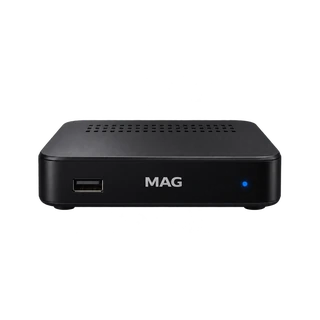
Black MAG IPTV set-top box

MAG & Formuler

MAG boxes connect through a portal address. Formuler boxes use the MYTVOnline app, which accepts portal, Xtream Codes or M3U details. Supported models vary.

* Compatibility can vary by model, operating system and app.

Set Up IPTV in 3 Steps

Choose your device

Pick a compatible device from the list above.

Install a compatible player

Get a player for your device that accepts Xtream Codes, M3U or MAG.

Add your subscription details

Enter your IPTV4KVip details in the player and start watching.

What You Need to Watch IPTV in 4K

A sharp 4K picture depends on these three things, and on the content being available in 4K.

Compatible display

A 4K TV, monitor or device screen. Anything between the source and the screen must support 4K too.

Supported player

A player for your device that can decode 4K video. App support varies by platform.

Stable internet

A fast, steady connection. As a general guide, allow at least 25 Mbps for each 4K stream.

Customer support agent wearing a headset

24/7 Support

For help with device compatibility and setup, start with the setup steps and the FAQ on this page.

Frequently Asked Questions

Smart TVs are compatible when they can run a player that accepts Xtream Codes or M3U. Samsung and LG TVs each have their own app store, so check that a suitable player is offered for your model and year.

Yes, as long as a compatible player is available for your Fire TV or Fire TV Stick. Install the player, then add your subscription details.

You can use a player that accepts Xtream Codes, M3U or MAG details. We do not name specific apps here because availability changes by device and over time.

You need a 4K display, a player that can decode 4K video, a fast and steady internet connection, and content that is available in 4K. Some programs may play in FHD or HD instead.

Supported devices are the types of hardware you can use, such as a smart TV or a phone. The number in your plan is how many devices it covers: 1, 2, 3 or 4. You can compare plans by device count on our pricing page.

Snow-capped mountains glowing at sunset

Ready to Choose Your IPTV Plan?

Compare plans for 1 to 4 devices.